Convert any image format free

PNG, JPG, WebP, AVIF — pick a format pair below. Your image never leaves your browser.

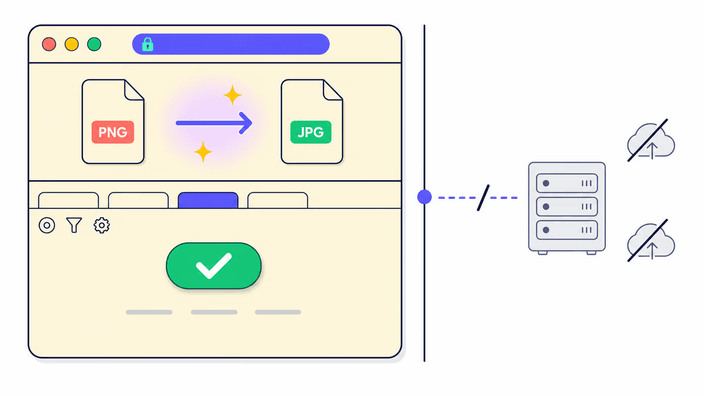
Araluma's image converter changes a file's format — PNG, JPG, WebP, or AVIF — entirely in your browser. There is no upload. When you pick a format pair from the grid below and drop a file, the browser decodes it directly in memory, converts it to the format you chose, and hands you a download link. Nothing leaves your device. You can verify this: open browser DevTools, go to the Network tab, and convert an image — zero outbound requests appear after the page loads. PNG output is lossless (every pixel preserved). JPG, WebP, and AVIF are lossy formats — a typical photo converts with no visible quality difference at default settings. If your image has a transparent background and you convert to JPG (which cannot store transparency), the transparent areas become white. The converter handles PNG, JPG, WebP, AVIF, and GIF inputs — for GIF, only the first frame is used.

How does the image converter work?

How does the image converter work?

Pick a format pair from the grid below — drop a file on the destination page and the conversion runs immediately. There is no Convert button to chase. Your browser handles the format change in memory and produces the new file, ready to download. Output keeps the original pixel dimensions and strips EXIF metadata on every export.
Which formats can I convert?

Which formats can I convert?

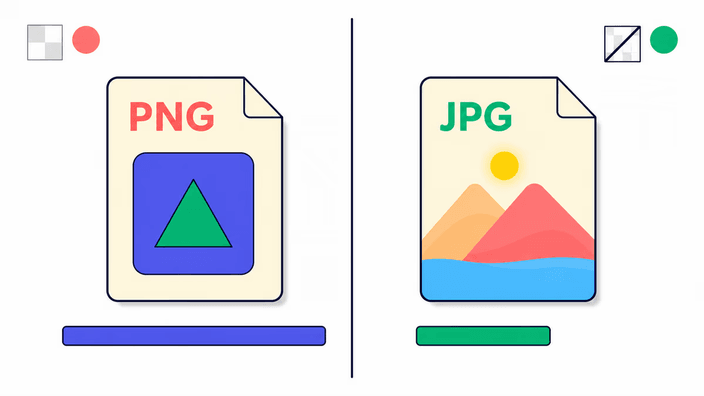
Araluma handles the four main web formats: PNG (lossless, keeps transparency), JPG (universal, small for photos), WebP (modern, compresses smaller at the same quality), and AVIF (next-generation, smallest files). GIF works as an input — the first frame is used. The picker grid above lists every format pair available today; new pairs ship as separate cards as we add them.

Does converting affect image quality?

Does converting affect image quality?

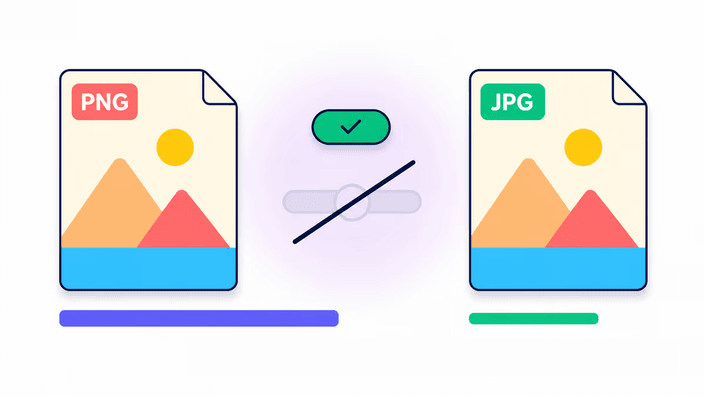
It depends on the target. PNG output is lossless — every pixel is kept exactly as it was. JPG, WebP, and AVIF are lossy formats tuned to a high-quality default; on a typical photo the difference is barely visible. Converting a lossy source (JPG) to a lossless target (PNG) does not recover quality already discarded — the file simply grows in size. Choose the target format that fits the use case, not just the smallest file.

Is it safe? Does my image get uploaded?

Is it safe? Does my image get uploaded?

Your image never leaves your device. The whole conversion happens inside your browser. Open DevTools and watch the Network tab while you convert — zero outbound image requests appear. Compare with typical online converters that promise "secure HTTPS upload then deleted in 24 hours." With Araluma there is no server in the path, so there is nothing to upload, log, or delete.

When should I change my image format?

When should I change my image format?

Change format when there is a real reason: a website needs WebP for faster loading, a designer asks for PNG to keep transparency, a print job needs JPG for the widest compatibility. Avoid round-tripping the same image through lossy formats — each lossy step adds artifacts. Pick the format that matches the destination, not just the smallest file.

Frequently asked questions

Does converting reduce image quality?

PNG output is lossless — no pixels change. JPG, WebP, and AVIF are lossy formats set to a high-quality default; the difference is barely visible in most photos. Converting from lossy to lossless makes the file larger but does not recover quality.

Is it safe to convert images online?

Araluma runs every conversion inside your browser — your file is never uploaded. Open DevTools Network tab while converting: zero outbound image requests. No server means no logging, no storage.

Can I convert multiple images at once?

Not yet — one file at a time. For batch jobs, cloud tools like Convertio and FreeConvert handle batches on their own servers. Batch support is planned without breaking the no-upload guarantee.

What is the best image format for websites?

WebP and AVIF are the modern web formats — typically smaller than JPG at the same visual quality, with full browser support as of 2025. Use JPG for compatibility, PNG for transparency, AVIF for maximum compression.

What image formats can I convert?

Araluma converts between PNG, JPG, WebP, and AVIF — the four main web formats. GIF works as an input (first frame only). HEIC, TIFF, BMP, SVG, and RAW are not yet supported.

Does this tool upload my files to a server?

No. The full conversion happens inside your browser. Open DevTools Network tab while you convert and you will not see a single outbound image request. There is no server in the path.